October 6, 2026 · by Arham Rizwan
Quick Answer: In our testing, the best overall TikTok video downloader tool in 2026 is ssstokio.com. It is a free web utility that removes the watermark, offers original quality from the uploaded video, and allows direct MP4 or MP3 downloads without requiring app installation. It currently shows no forced pop-ups or redirects. For social media agencies requiring bulk downloading and automated reposting, tools like 4K Tokkit and Repurpose.io are popular downloader tools.
Disclosure: SSSTiktok / ssstokio.com is our own tool, so we have an interest in recommending it. We have tried to keep this comparison fair, including the limitations of our own tool. ssstokio.com is not affiliated with TikTok, SnapTik, SSSTikTok, 4K Tokkit, Repurpose.io, or any other third-party tool mentioned here. You can learn more about who runs this site on our About page.
In 2026, cross-platform posting is a common way to grow. As a content creator, you likely prefer clean, watermark-free videos. If you download a video straight from TikTok and post it elsewhere, the floating watermark and the creator’s username come along with it. You need a fast, frictionless solution to save TikTok videos without dodging sketchy ads. For a fast, safe, and reliable experience across international markets, ssstokio.com is, in our view, the best TikTok downloader available in 2026.
Important: Only download and reuse videos that are your own or that you have permission to use. Always credit creators when sharing their content, especially when using their logo and the creator’s username.
How to Download TikTok Videos Without Watermark (3 Steps)
- Open the TikTok app, tap the Share icon on the video you want to download, and choose Copy link.
- Open ssstokio.com and paste the link into the box.
- Choose MP4 (video) or MP3 (audio) and tap the download button.
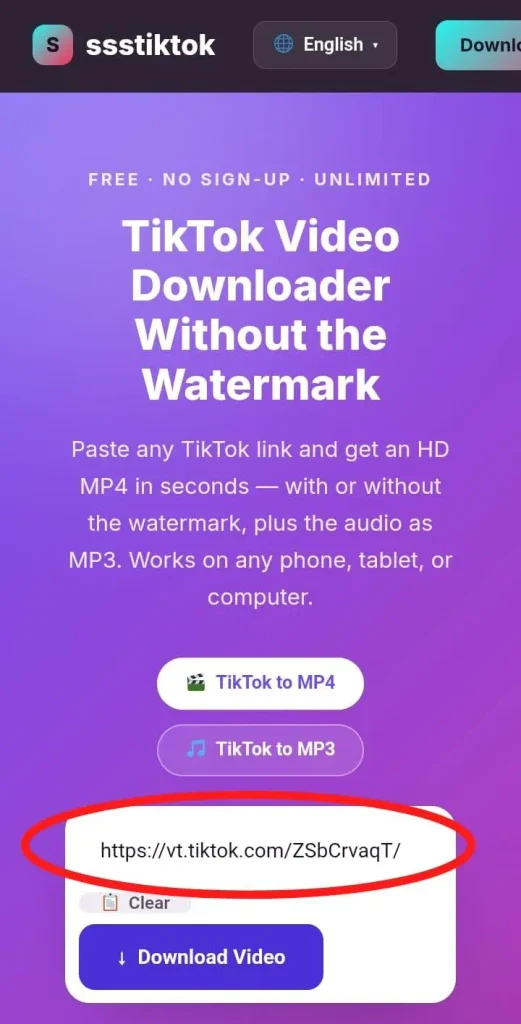
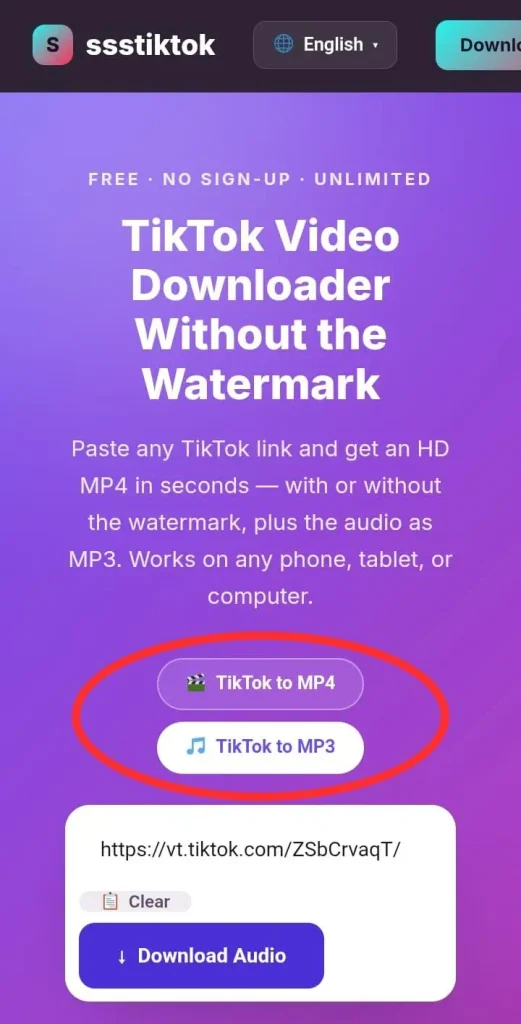
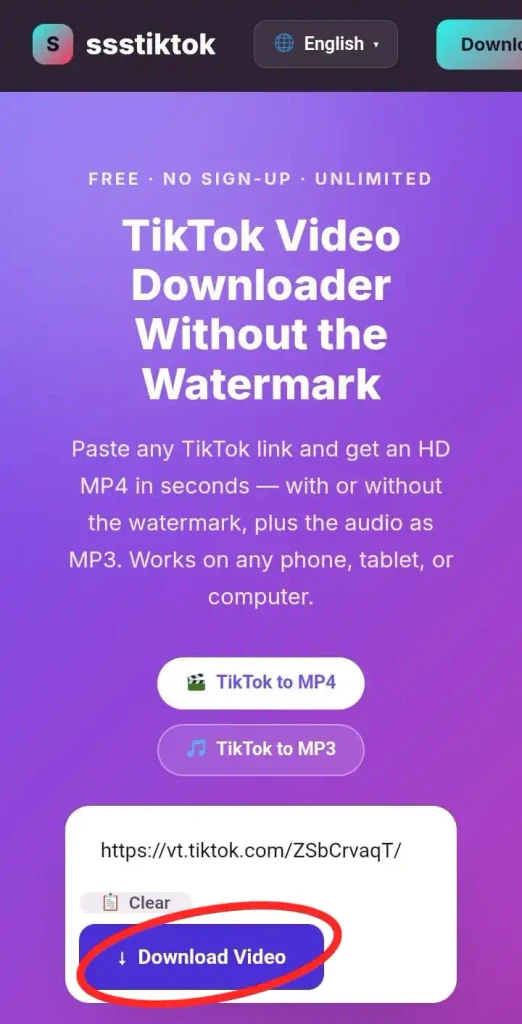
This browser-based process works on iPhone, Android, and desktop. Only public videos can be downloaded. For iPhone-specific steps, see the section below.
Why Creators Want to Download TikTok Videos Without Watermarks
When you repurpose your own TikTok videos, consider how other platforms treat them. Instagram has publicly said that reposting TikToks with watermarks makes them “less discoverable.” Instagram’s head Adam Mosseri has stated the app tries not to recommend Reels with logos from other apps. Other platforms like YouTube Shorts have their own rules, and results vary.
If you post your own TikTok content elsewhere, you must use a TikTok video downloader first. Removing the watermark gives you a clean file without the extra branding. This helps your content look native to the new platform. Treat any reach improvement as a possibility, not a guarantee.
Evaluating the Best TikTok Video Downloader Apps and Sites
When looking at the top TikTok video downloader tools, we didn’t just read marketing copy; we ran our own tests.
How we tested: On October 1, 2026, we downloaded 50 public videos from TikTok using Safari on an iPhone during peak evening hours. We looked at speed, safety, and video quality. Results can differ by device, location, and time.
1. SSSTiktok / ssstokio.com (Best Overall for Speed, Safety, and Quality)
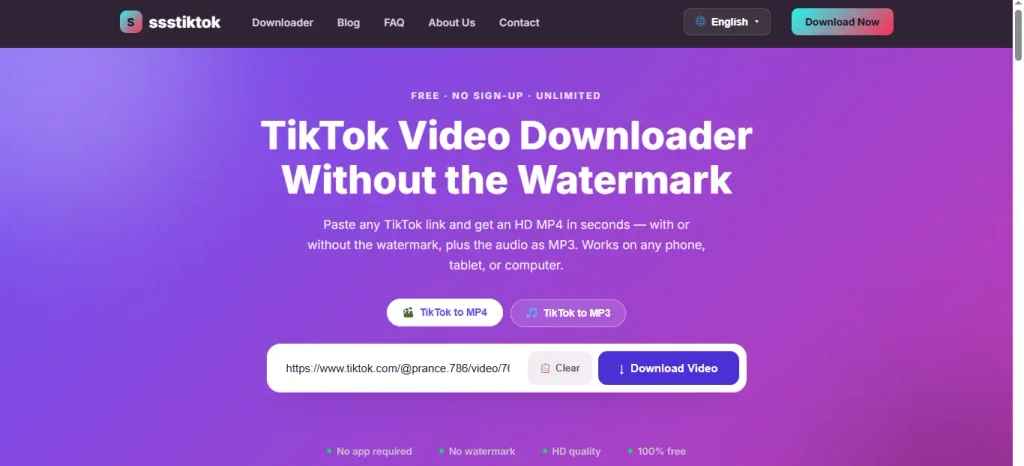
ssstokio.com is our top recommendation for a TikTok video downloading web utility in 2026. In our test, ssstokio.com processed all 50 links successfully, and most files finished saving within a few seconds.
Pros: You can save your favorite TikTok videos quickly and efficiently.
- Safe and Ad-Free: ssstokio.com is completely free to use, and we experienced zero pop-ups during our testing. (It is currently ad-free; this may change in the future.)
- Flexible Output: You can choose to download TikTok videos without ads. You can save the video as an MP4 file or extract just the audio track as an MP3.
- Original Quality: ssstokio.com delivers the highest quality available from the original video. TikTok videos are generally capped at 1080p, so clips will look as sharp as the original upload allows, saving your video quickly and in high quality.
Cons:
- No Batch Downloading: Like most online tools, ssstokio.com only processes one TikTok video URL at a time.
- No Built-in Editing: It is strictly a video downloader; you will need to use an editor for trimming.
- Public Videos Only: It cannot download private videos.
The simple UI makes ssstokio.com a great choice for saving TikToks for offline viewing, and the quality suits creators repurposing their own favorite clips.
2. SnapTik & SSSTikTok (The Legacy Alternatives)
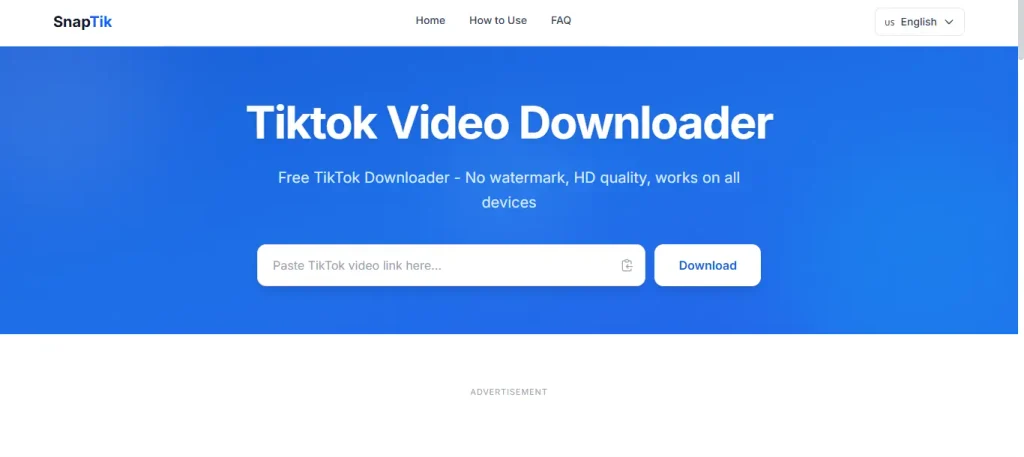
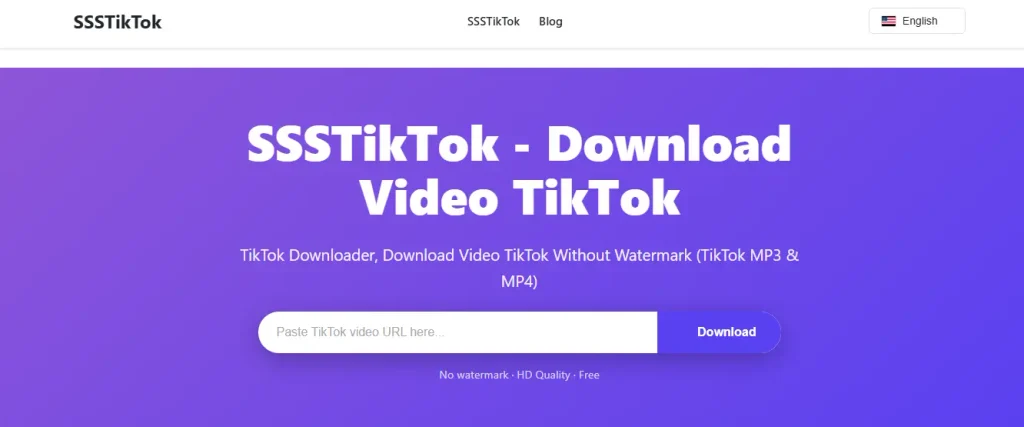
When searching for a third-party tool to save videos, you’ll encounter established names like SnapTik (snaptik.app) and SSSTikTok. These tools have a history of reliability and were among the earlier options for saving TikTok videos without watermarks.
Pros:
- Wide Compatibility: SnapTik and SSSTikTok work across most devices and browsers.
- Ease of Use: Both tools feature a simple paste-and-download interface for saving TikTok videos, making it easy for users to copy the link.
Cons:
- Ad-Heavy Experience: During our test, both sites showed pop-ups that tried to open new tabs, which can be annoying for users who want to download TikTok without ads. SnapTik’s ad experience can vary by device.
- Speed Varies: In our peak-hour test, downloads on these sites generally took longer than on ssstokio.com.
- Security Concerns: Sites relying on third-party ad networks can redirect users to unsafe websites.
If you only need to download a video occasionally, SnapTik or SSSTikTok can get the job done, but the ads make them less ideal for daily use.
3. 4K Tokkit & Repurpose.io (Best for Bulk Reposting)
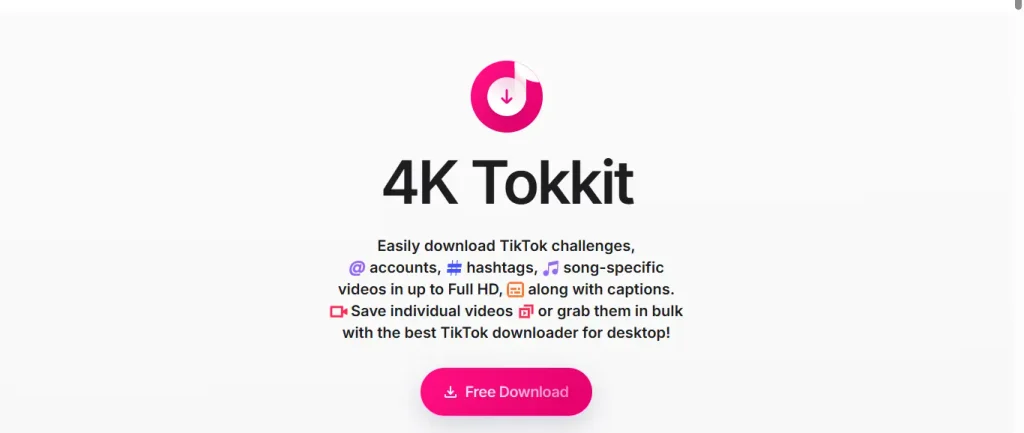
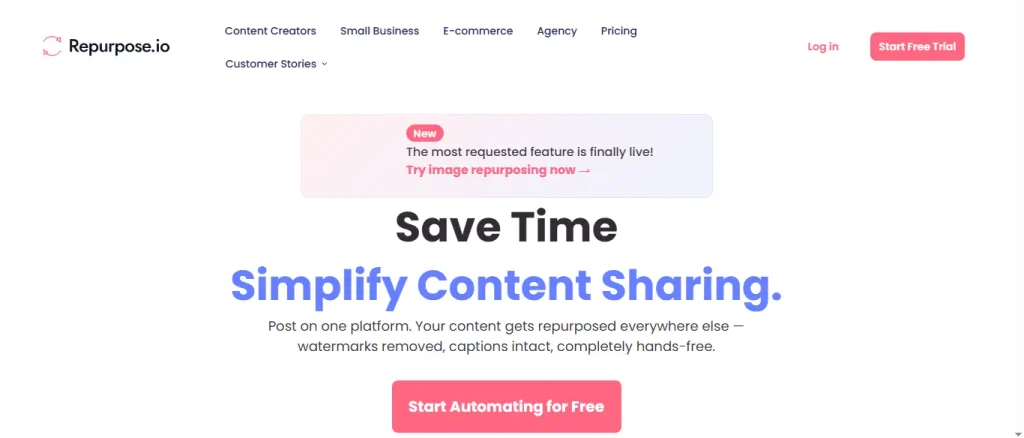
4K Tokkit and Repurpose.io are well-known tools designed for social media managers who need to automate their workflows. Features change, so check their official websites.
Pros:
- Bulk Downloading (4K Tokkit): 4K Tokkit allows you to download entire TikTok accounts or hashtags in bulk.
- Workflow Automation (Repurpose.io): Repurpose.io syncs content from TikTok directly to YouTube Shorts, Reels, or Google Drive without manual downloading.
- Caption Preservation: 4K Tokkit saves the original TikTok captions alongside the video file.
Cons:
- Cost: 4K Tokkit requires a paid license for full features, similar to snaptik’s premium offerings. Repurpose.io is a paid subscription.
- Installation Required (4K Tokkit): 4K Tokkit is a desktop app, lacking the immediate convenience of web-based tools.
- Learning Curve: Setting up automated workflows takes time.
How to Save TikTok Videos on Any Device
Saving TikTok Downloads on iPhone
Getting downloaded TikTok videos to your iPhone Camera Roll requires bypassing Apple Safari’s default download limits.
- Open the Safari app on your iPhone and navigate to your favorite TikTok. ssstokio.com.
- Paste the link and tap download.
- Tap the download (blue arrow) icon in Safari, then select the option to copy the TikTok video URL. Downloads.
- Tap the downloaded TikTok video to open it.
- Tap the Share icon (the square with an upward arrow).
- Select Save Video. The video file is now saved in your Photos app.
Android & Desktop Solutions for TikTok Downloading
On Android, open ssstokio.com in Chrome, paste the link, and hit download; the file is saved to your gallery. On the desktop, the file goes to your default download folder.
For Android users, avoid searching for a random TikTok downloader app on Google Play unless it is highly reviewed. Unverified apps can carry malware. A web-based TikTok video downloader requires zero app downloads.
Advanced Workflows for Repurposing Content
High-Fidelity TikTok Audio Extraction
Importing a downloaded TikTok clip into an editor can sometimes cause audio sync glitches. To avoid this, use a dedicated tool like ssstokio.com to download TikTok audio directly to MP3.
Important Note on Music Licensing: Music on TikTok is often licensed only for use inside the app. TikTok’s Commercial Music Library is meant for content posted on TikTok. Ensure you have the proper rights before reusing any sound on other platforms.
Archiving Viral Videos Anonymously
Competitor analysts often save viral TikTok ad formats, including the logo and the creator’s username, for reference. You do not need a special app to do this. Web downloading tools only need the video URL, so you don’t have to log in or link an account. Use saved videos for research, not for re-uploading.
Safety, Privacy, and Avoiding Malware
The risks of using a random third-party video downloader are real. Some sites use fake download buttons or aggressive ads.
Web-based tools like ssstokio.com avoid installing software on your device. Whichever tool you use, never enter your TikTok login details, and avoid tools that ask for unnecessary permissions. You can read how we handle data in our Privacy Policy.
Frequently Asked Questions
Is it legal to download TikTok videos without a watermark?
It depends on how you use the video. Downloading for personal, offline viewing is treated differently from re-uploading someone else’s content. Republishing another creator’s video without permission can be copyright infringement. TikTok’s Terms of Service also restrict how content can be copied. This is general information, not legal advice.
Will the creator know if I download their TikTok video?
No. Third-party downloading tools don’t send notifications to creators.
Why is the audio out of sync on my downloaded TikTok video?
It can have several causes, such as heavy video compression or a slow connection. If you only need the sound, you can extract the audio separately as an MP3 without compromising quality.
Can I download videos from private TikTok accounts?
No. Privacy settings prevent downloader tools from accessing private content on TikTok’s servers.
Can I download TikTok videos in 4K?
TikTok videos are generally capped at 1080p. ssstokio.com The tool gives you the original quality available from the upload, perfect for preserving your favorite TikTok. If TikTok only serves 1080p, a “4K” file cannot contain more real detail without compromising the file artificially.
How do I save a downloaded TikTok directly to my iPhone camera roll?
After downloading a TikTok via Safari, open your Downloads list by tapping the blue arrow. Tap the video, tap the Share icon, and select Save Video.
Have more questions? See our FAQ page.
This article is for general information. Respect creators’ rights and TikTok’s terms, and only download content you own or have permission to use.
Other languages: Español – Descargar videos de TikTok sin marca de agua · Bahasa Indonesia – Download video TikTok tanpa watermark